How to Stake Solana (SOL) with Phantom Wallet
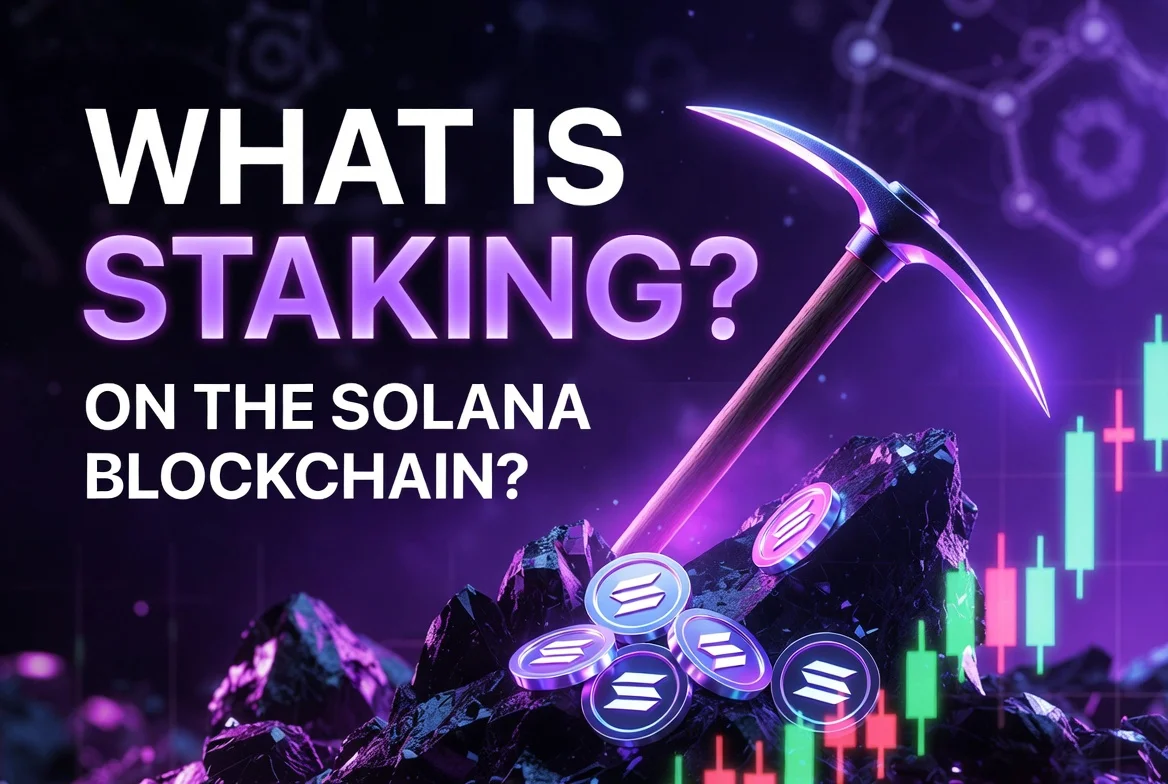
Solana staking involves delegating your SOL tokens to a validator on the Solana network. This process helps secure the blockchain and can allow you to earn staking rewards. Unlike some other networks, Solana staking does not require a minimum stake amount, making it accessible to any size holder.
Disclaimer: This article is for informational purposes only and does not constitute financial advice. Always conduct your own research before using any platform or service.
What You Need Before You Start
Requirement | Details |
|---|---|
Device | Phone or desktop browser |
Wallet Software | Phantom Wallet |
Funds | Some SOL tokens (no minimum specified) |
Accounts | Cryptocurrency exchange (e.g., Coinbase, Binance) |
Other | Secure storage for your seed phrase |
What Is Solana Staking?
Solana staking is the process of locking your SOL tokens to support the operations of the Solana blockchain. By delegating your SOL to a validator, you contribute to the network's security and can receive staking rewards in return. This guide will walk you through the steps to participate in Solana staking using the Phantom wallet.
validator: A participant in a blockchain network responsible for verifying transactions and maintaining the network's security. In Solana, you delegate your SOL to a validator to earn staking rewards.
seed phrase: A list of words that stores all the information needed to recover a cryptocurrency wallet. It is crucial to keep your seed phrase private and secure.
Step-by-Step Guide
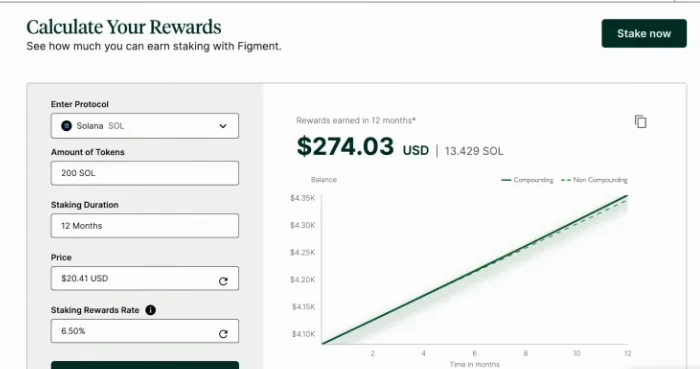
Calculate Staking Rewards
- Use a staking rewards calculator to estimate potential earnings for Solana staking. You can input details like the protocol, token amount, duration, and current price.
Set Up Your Phantom Wallet
- Download the Phantom wallet on your phone or as a browser extension.
- Follow the prompts to set up your wallet.
- Carefully write down your seed phrase and store it in a secure, private location. Do not share this information with anyone.
Acquire SOL
There are two main ways to get SOL into your Phantom wallet:
Method 1: Buy on an Exchange and Send
- Purchase SOL on a major cryptocurrency exchange, such as Coinbase or Binance.
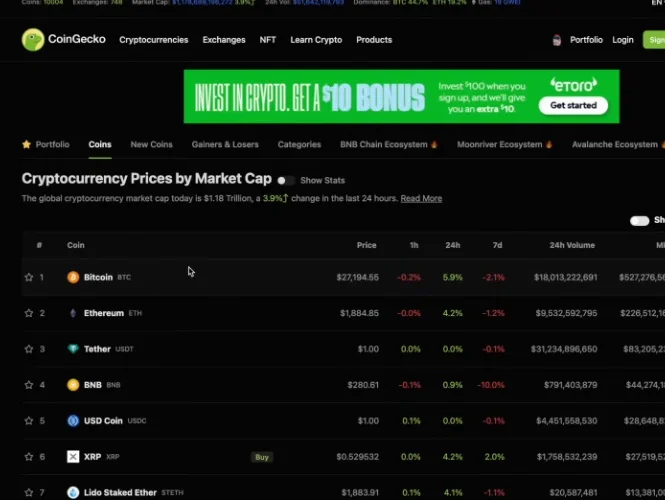
- In your Phantom wallet, click the Deposit button.
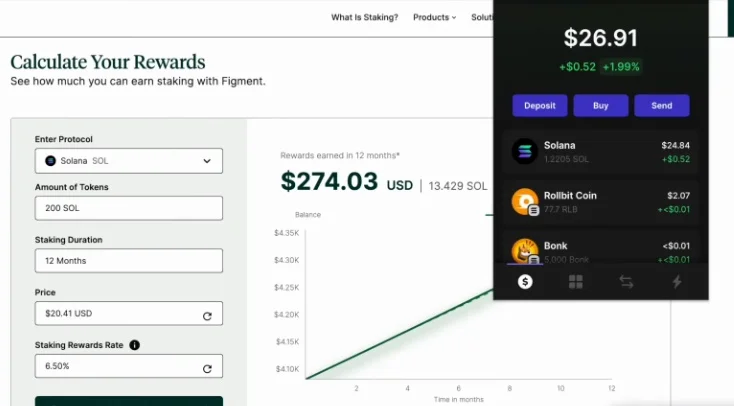
- Select Solana from the list of assets to deposit.
- Copy your wallet address or use the displayed QR code for receiving SOL.
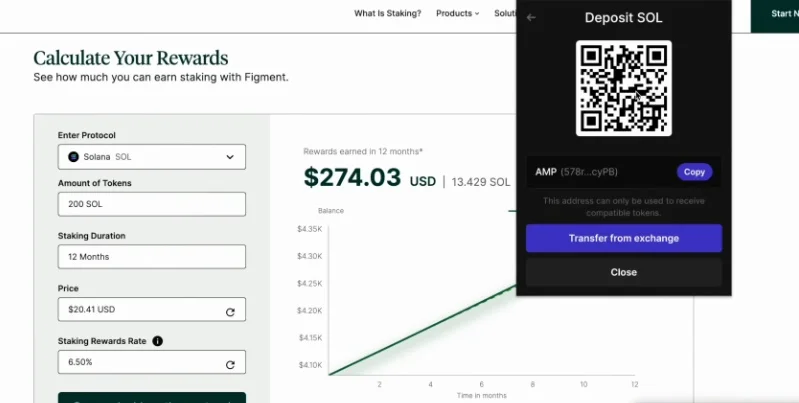
- Send the SOL from your exchange account to this Phantom wallet address.
Method 2: Buy Directly in Phantom Wallet
- In your Phantom wallet interface, locate and click the Buy button. You can typically use a credit card for this purchase.
Stake SOL in Phantom Wallet
- Once you have SOL in your Phantom wallet, click on Solana in the wallet interface.
- Click Start earning SOL to view the available validators.
- Choose a validator for staking. Consider factors such as commission rates and reliability. The source mentions that some validators, such as Phantom, are considered by some to be more secure, while others offering 0% commission might carry more risk. Always conduct your own research.
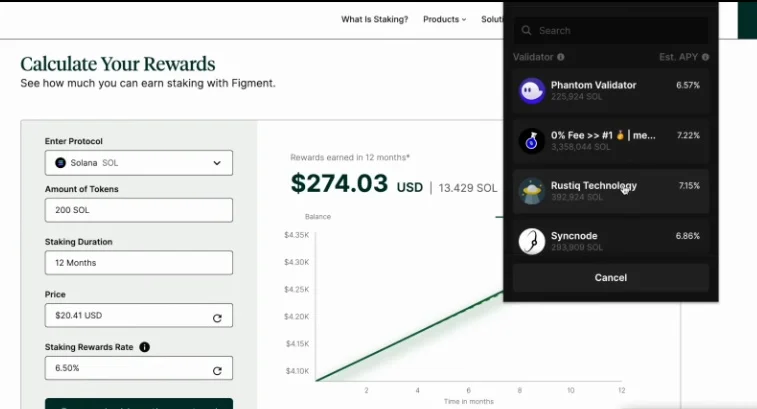
- Enter the amount of SOL you wish to stake.
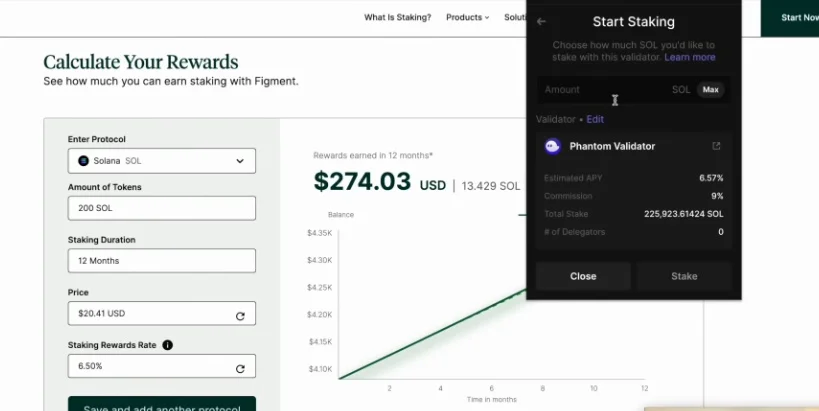
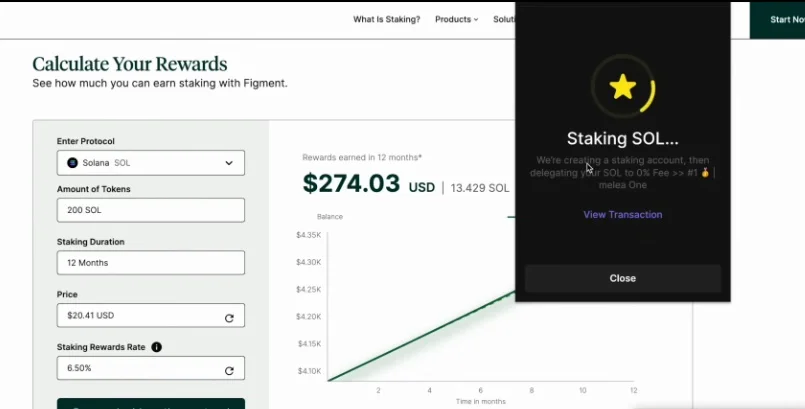
- Click Stake to initiate the staking process. This creates a staking account and delegates your SOL to the chosen validator.
Unstake SOL
- If you decide to unstake your SOL, open your Phantom wallet.
- Click on Solana.
- Click on your active stake.
- Click the Unstake button.
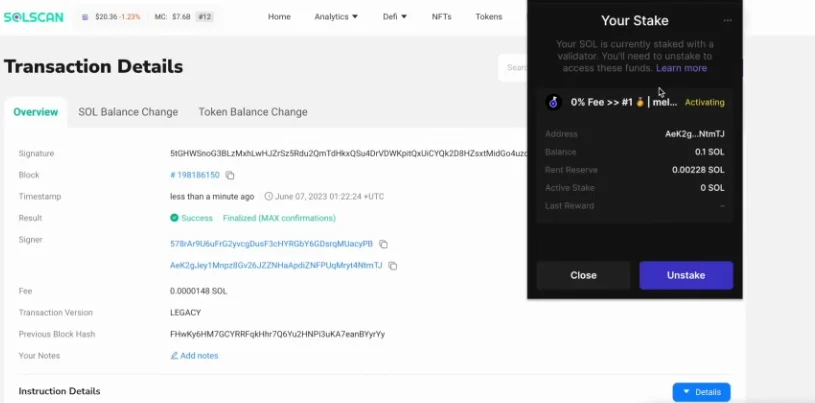
- Follow the prompts to complete the unstaking process. Note that deactivating a stake typically takes a few days.
Frequently Asked Questions
Is Solana staking safe?
When staking, it's important to research validators and consider factors like their commission rates and reliability. The source indicates that while some validators like Phantom might be considered more secure, others offering 0% commission could potentially carry more risk. Always conduct your own due diligence.
How long does unstaking SOL take?
When you decide to unstake your SOL, the process for the stake to deactivate typically takes a few days.
Does staking SOL cost anything?
Yes, there is a small fee associated with creating a staking account and delegating your SOL. Additionally, validators take a commission from the rewards you earn, which is typically a percentage of your staking rewards.
What happens if I choose a 0% commission validator?
The source notes that some validators offer 0% commission, but they may be riskier. It is important to research any validator thoroughly, regardless of their commission rate.
Do I need a minimum amount of SOL to stake?
No, Solana staking does not require a minimum stake amount. This makes it accessible to holders of any size.