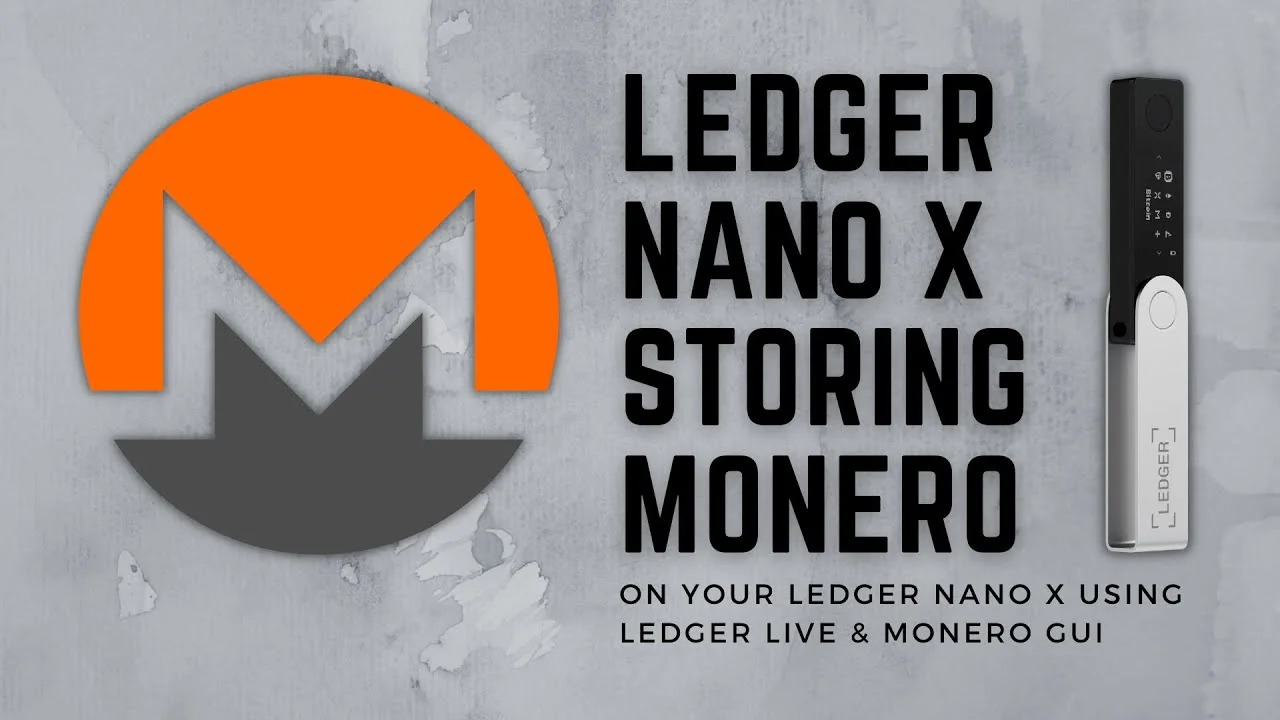
How to Set Up Monero GUI Wallet with Ledger Nano X
Learn to connect your Ledger Nano X to the Monero GUI Wallet. This guide helps you set up for secure offline Monero storage.
Read article →Ledger is a hardware cryptocurrency wallet manufacturer founded in 2014, producing the Ledger Nano S and Ledger Nano X devices. Hardware wallets store private keys offline in a secure chip, keeping assets protected from online threats. Ledger supports over 5,500 cryptocurrencies and integrates with the Ledger Live desktop and mobile application for managing assets and installing coin apps.
Learn to connect your Ledger Nano X to the Monero GUI Wallet. This guide helps you set up for secure offline Monero storage.
Read article →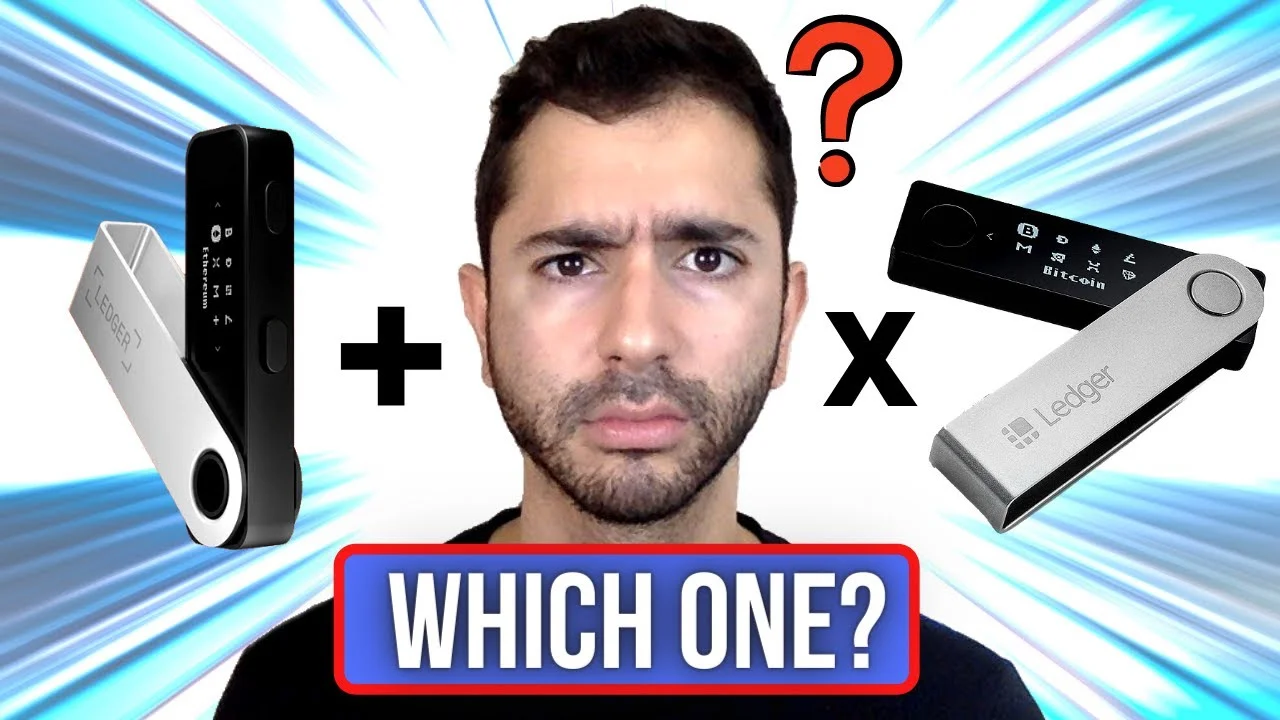
The Ledger Nano S Plus and Nano X offer distinct features for cryptocurrency management. This comparison details their connectivity, storage, and suitable use cases.
Read article →
Ledger Live helps you securely manage your digital assets with your Ledger hardware device. This guide walks you through using its core features step by step.
Read article →
Explore the robust security and diverse features of Ledger hardware wallets. Understand how they protect your digital assets and clarify common misconceptions.
Read article →
A Ledger device helps keep your digital money safe by storing vital information offline. Even if your device is lost or stolen, your assets remain secure with your backup recovery phrase.
Read article →
A hardware wallet is a physical device that protects your digital money by keeping secret codes offline. It's like a secure digital safe that helps you manage your cryptocurrency securely.
Read article →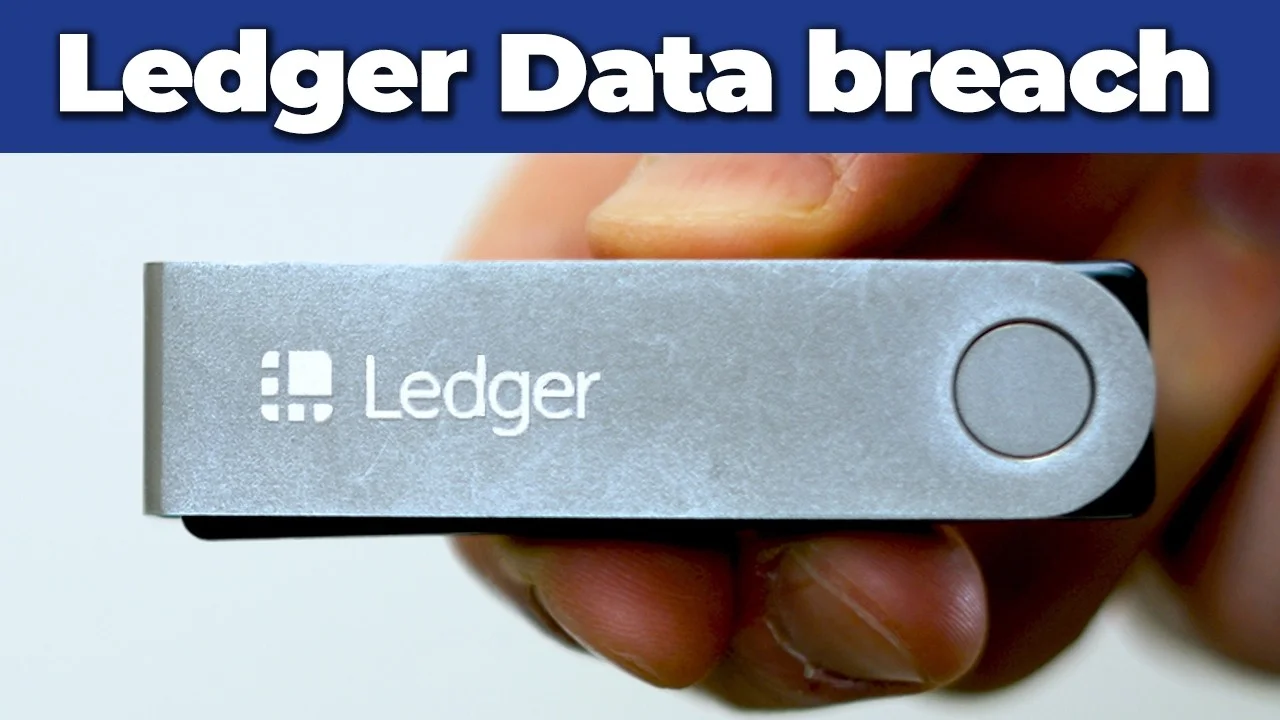
Ledger reported a data breach in January 2026 through its payment processor, Global-e, exposing customer order details. The incident did not affect Ledger hardware wallet security or crypto assets.
Read article →
Learn how to restore your Ledger Nano X hardware wallet from a recovery phrase. This guide provides step-by-step instructions for the device's setup process.
Read article →
Set up your Ledger Nano S Plus hardware wallet with this step-by-step guide. Learn to install Ledger Live, configure your device, and secure your recovery phrase for offline protection.
Read article →
Learn how to set up your Ledger Nano X, choose a PIN, and securely record your recovery phrase. This guide covers essential steps for new device preparation.
Read article →
Learn to restore your Ledger Nano S/X hardware wallet using your 24-word recovery phrase. This guide covers device setup, PIN creation, and account recovery in Ledger Live.
Read article →
Learn how to download, install, and use the Ledger Wallet app to manage your crypto assets. This guide covers buying, swapping, and staking cryptocurrencies with your Ledger hardware device.
Read article →