What You Need Before You Start
Requirement | Details |
|---|---|
Device | Ledger Nano X hardware wallet |
Power Source | Computer or power adapter with appropriate cable |
Recovery Phrase | Your original 12, 18, or 24-word recovery phrase |
What Is Restoring a Ledger Nano X?
Restoring a Ledger Nano X device involves using your unique recovery phrase to regain access to the cryptocurrency assets associated with that phrase. This process effectively reinitializes your hardware wallet with your existing private keys, allowing you to manage your crypto again.
Recovery Phrase: A sequence of 12, 18, or 24 words that stores all the information needed to recover your cryptocurrency assets. PIN: A 4 to 8-digit code that controls physical access to your Ledger Nano X device.
Disclaimer: This article is for informational purposes only and does not constitute financial advice. Always conduct your own research before using any platform or service.
Step-by-Step Guide
Restoring Your Ledger Nano X
- Plug your Ledger Nano X device into a computer or a power source.
- Click on the left button to turn on your device.
- On the welcome screen, press the right button to continue.
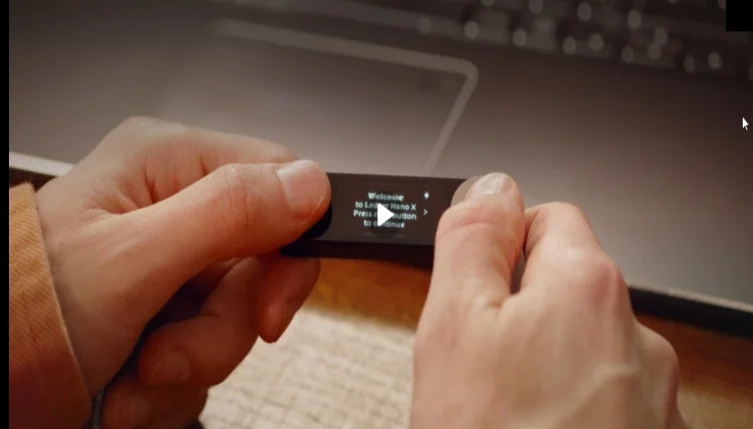
- The screen will instruct you to download Ledger Live; press the right button to proceed.
- Navigate through the instructions about using the buttons. Press both buttons to select an option. To access the control center at any time, hold both buttons.
- The device will ask you to choose between 'Set up as new device' or 'Restore from recovery phrase'. Select 'Restore from recovery phrase' and press both buttons to confirm.
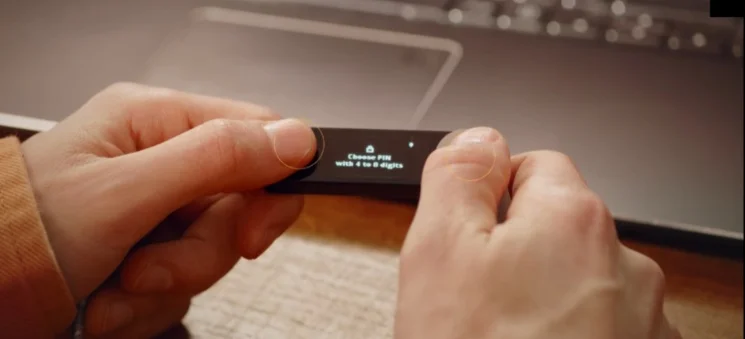
- The device will prompt you to choose a PIN. Select a 4 to 8 digit PIN and confirm it.
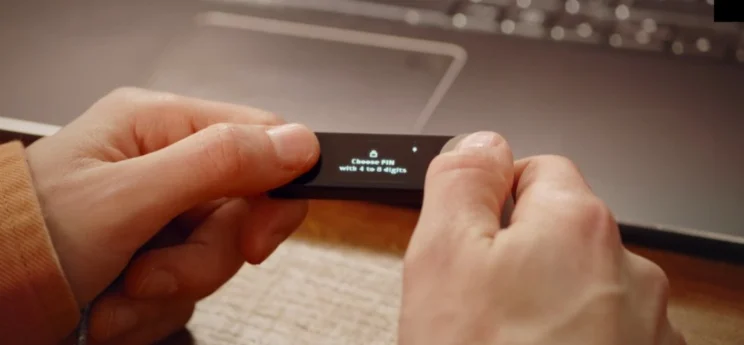
- You will be asked to select the number of words in your recovery phrase: 24 words, 18 words, or 12 words. Select the correct count corresponding to your recovery phrase.
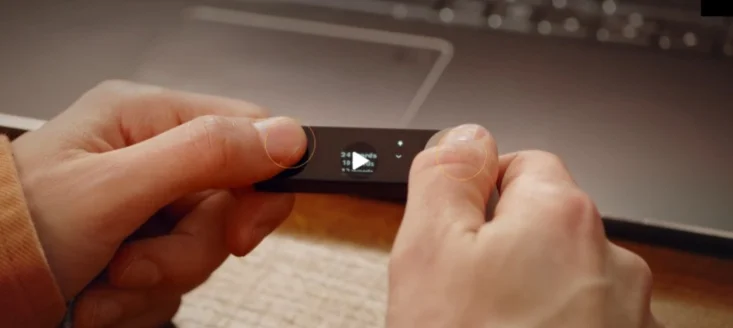
- Enter each word of your recovery phrase one at a time, ensuring they are in the exact original order.
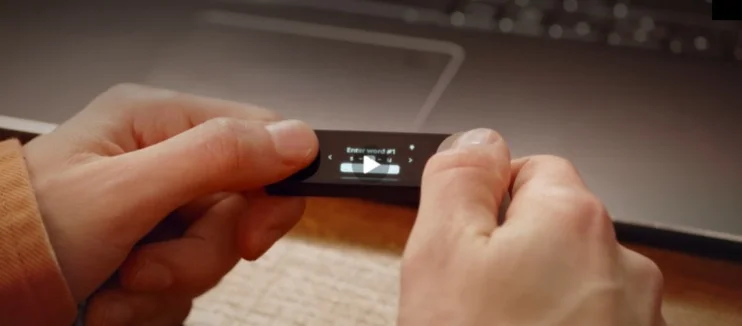
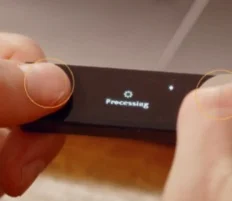
- After the final word is entered, the device will display a Processing screen.
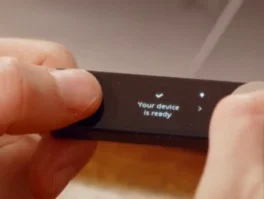
- Once the process is complete, the device will show Your device is ready.
Common Errors and How to Fix Them
Error | Cause | Fix |
|---|---|---|
Device not accepting recovery phrase | Incorrect word entered or words are in the wrong order | Re-enter your recovery phrase carefully, ensuring each word is correct and in its original sequence. |
Frequently Asked Questions
Is restoring a Ledger Nano X safe?
Restoring your Ledger Nano X involves re-entering your recovery phrase. Your private keys, which secure your crypto, remain protected by your recovery phrase. The PIN you set only secures physical access to the device itself.
How long does restoring a Ledger Nano X take?
The process involves multiple steps, including entering a PIN and all recovery words. After the final word, the device shows a Processing screen before displaying Your device is ready. The source material does not provide a specific timeframe for this process.
Does restoring a Ledger Nano X cost anything?
The source material does not specify any direct costs associated with restoring a Ledger Nano X device.
What happens if I enter a wrong recovery phrase word?
If an incorrect word is entered or the words are in the wrong order during the recovery phrase input, the device will prompt you to repeat the recovery phrase entry process from the beginning.